

Amazon Web Services
EC2 servers without the AWS console
Connect your AWS account with an IAM access key and create EC2 instances, provisioned for PHP or Node.js, in one go. Vimonto Deploy picks the Ubuntu image, the network and the address for you, and the same key manages your Route 53 domains.
Connect once, create servers in one go
- 1
Create an IAM user
In the AWS console, create a user without console access and attach AmazonEC2FullAccess and AmazonRoute53FullAccess, plus AWSPriceListServiceFullAccess to see prices.
- 2
Paste the access key
Under Settings → Integrations, enter the access key ID and secret. They are checked against AWS before they are saved, and stored encrypted.
- 3
Create a server
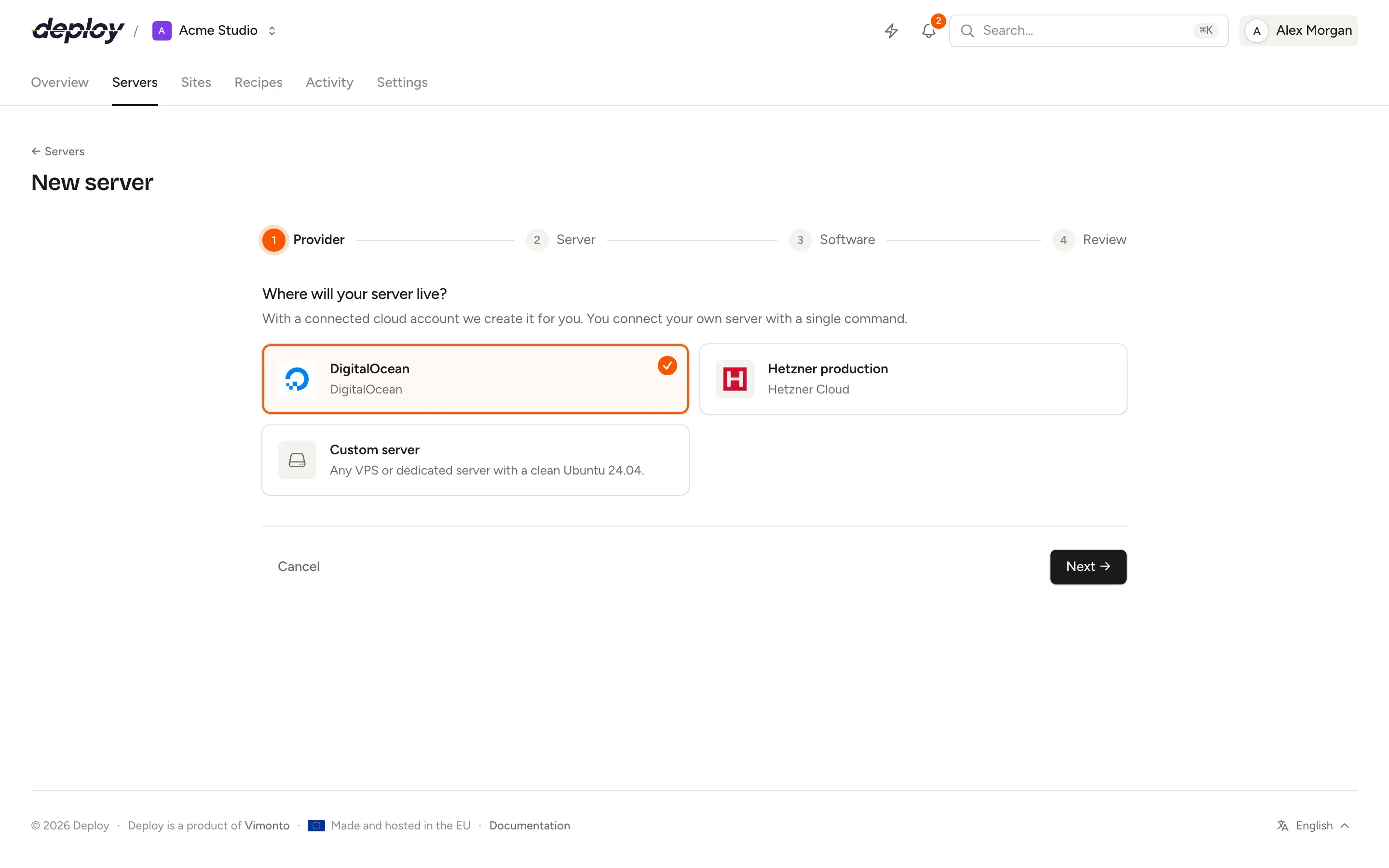
Choose a region and an instance type. The newest Ubuntu 24.04 image is used, and the server is provisioned for your apps.
Regions and instance types, with their price
New server lists the regions enabled in your account, European ones first, and a selection of current x86 instance types: burstable (t3), general purpose (m6i), compute-optimized (c6i) and memory-optimized (r6i). Each shows the on-demand price of the instance in that region, from AWS's own price list.
What one AWS key covers
EC2 instances
Servers for every role: app, web, worker, database, cache, Meilisearch or load balancer, each with a firewall and automatic security updates.
VPC networks
Servers go into the region's default VPC or one you choose. Let Vimonto Deploy create a VPC with its subnet and internet gateway, and your servers reach each other on private addresses.
Route 53 DNS
Domains in your Route 53 hosted zones get their A and
wwwrecords set for you when you add them to a site, and HTTPS is requested once they resolve.A fixed address
Once an instance runs it gets an Elastic IP, so its address and DNS stay the same when it is stopped and started. Deleting the server releases it.
One firewall, on the server
Servers share one open security group, and the firewall on the server (ufw), which you manage in Vimonto Deploy, decides what gets through. No rules in two places.
Backups and billing
Database backups can go to an Amazon S3 bucket you own, with its own access key, or to any other S3-compatible storage.
Servers are created in your own AWS account and billed by AWS; see Amazon EC2 pricing. The price shown is the instance's; storage, traffic and the public address are billed by AWS on top. Vimonto Deploy charges nothing per server.
AWS questions
Which permissions does the access key need?
The policies AmazonEC2FullAccess and AmazonRoute53FullAccess. With AWSPriceListServiceFullAccess the sizes show their price; without it they are shown without one. Without Route 53 access, servers still work and the account shows that it has no DNS access.
Why are all ports open in the security group?
So that the firewall on the server is the only one, as at every other provider. Vimonto Deploy manages it for you: a new server allows SSH, HTTP and HTTPS, and you open other ports with a firewall rule.
Can I use a server I already run on EC2?
Yes, as a custom VPS: on a clean Ubuntu 24.04 instance, run the connect command and it is provisioned like any other server. Open ports 22, 80 and 443 in its security group first.
What does it cost?
The free plan covers 1 server and 3 sites with every feature. Premium is €15 per month per organization, without limits. Vimonto Deploy charges nothing per server: AWS bills the server directly.
Related pages
- ServersProvisioning for every role: app, web, worker, database, cache, search and load balancer servers.
- LaravelZero-downtime Laravel deploys, with Horizon, Reverb, Pulse, queues and the scheduler a switch away.
- Sites and domainsSites from framework presets, automatic DNS, free SSL, site features and Nginx you can edit.
- Google CloudCompute Engine VMs in every Google Cloud region, with static addresses, VPC networks and Cloud DNS.
Your next deploy could be live before your coffee is.
Create an organization, connect a server and push. That is all.