

DigitalOcean
DigitalOcean Droplets, ready for your apps
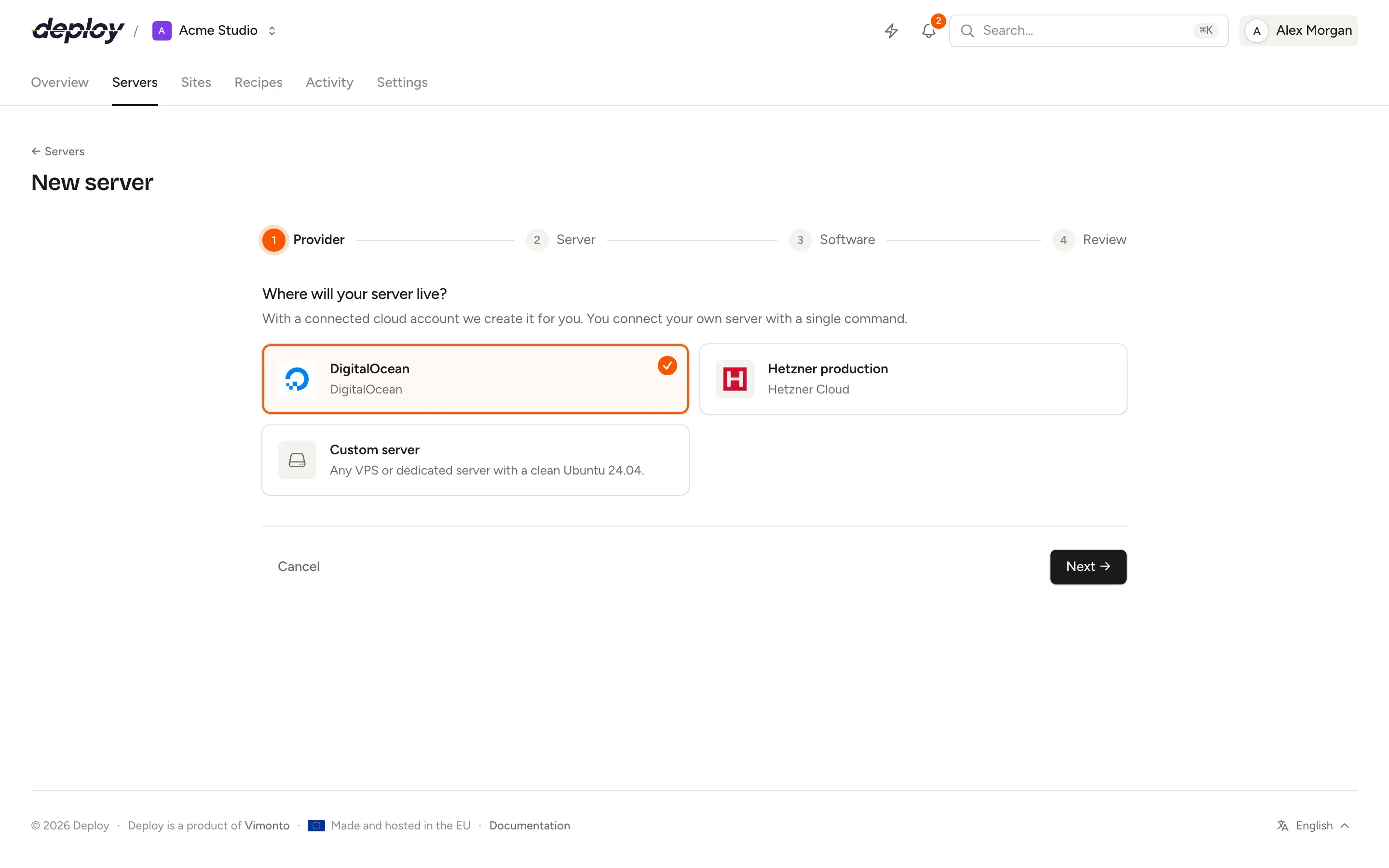
Connect your DigitalOcean account with an API token or by signing in, and create Droplets provisioned for PHP or Node.js in one go. The same login manages the DNS of your domains, and Spaces can hold your database backups.
Connect once, create Droplets in one go
- 1
Connect your account
In DigitalOcean, open API → Tokens and generate a token with Full Access, then paste it under Settings → Integrations. Where the card offers it, sign in with DigitalOcean instead.
- 2
Choose a region and size
The New server wizard lists the regions and Droplet sizes DigitalOcean can create right now, with CPU, memory, disk and DigitalOcean's own price per month and per hour.
- 3
Deploy
The Droplet is created on Ubuntu 24.04 and provisioned with Nginx, PHP, your database, Redis and Node.js. Create a site and push.
Regions, sizes and prices, live from DigitalOcean
Nothing is hard-coded: the wizard asks DigitalOcean's API what it offers in the region you pick, marks sizes that are sold out, and shows the monthly cost before you create anything.
One login, everything around your Droplets
Droplets for every role
App, web, worker, database, cache, Meilisearch or load balancer. Each gets its own SSH key pair, a firewall and automatic security updates.
VPC private networks
The region's default VPC is selected for you; pick another or create a new one. Database and cache servers only open their ports to the network.
DNS
Domains in your DigitalOcean account point to their server by themselves: you see which records change, confirm, and HTTPS follows.
Spaces backups
Keep scheduled database backups in a Spaces bucket, with an access key of its own. Your servers only get a one-time link per file, never the key.
Your account, your bill
Droplets are created in your own DigitalOcean account and billed by DigitalOcean at its normal prices; see DigitalOcean's pricing. Vimonto Deploy charges nothing per server.
To give a new Droplet its key, Vimonto Deploy adds an SSH key to your account only for the moment of creation and removes it right after. All further work goes over SSH, so a Droplet keeps working even if you disconnect the account later.
DigitalOcean questions
Should I use an API token or OAuth?
Either works the same. OAuth tokens expire after 30 days, and Vimonto Deploy refreshes them by itself. An API token needs Full Access, because Vimonto Deploy creates Droplets, VPCs and DNS records.
Can I connect a Droplet I already have?
Yes, if it runs a clean Ubuntu 24.04: connect it as a custom VPS and run one command on it. A Droplet that already hosts websites should be replaced with a fresh one, because provisioning overwrites Nginx, PHP and SSH settings.
Can I connect several DigitalOcean accounts?
Yes, for example one per client. Give each connection a clear name and choose the account when you create a server.
Does it work with DigitalOcean Managed Databases?
Your app can use one: put its connection details in the site's .env. Vimonto Deploy manages databases on your own database or app servers, and backs those up.
What does it cost?
The free plan covers 1 server and 3 sites with every feature. Premium is €15 per month per organization, without limits. Vimonto Deploy charges nothing per server: your provider bills the server directly.
Related pages
- ServersProvisioning for every role: app, web, worker, database, cache, search and load balancer servers.
- LaravelZero-downtime Laravel deploys, with Horizon, Reverb, Pulse, queues and the scheduler a switch away.
- WordPressWordPress on your own server, with real cron, Redis object cache and hardening.
- Hetzner CloudServers in Germany, Finland, the US and Singapore, with DNS and Object Storage backups.
Your next deploy could be live before your coffee is.
Create an organization, connect a server and push. That is all.