

Nuxt hosting
Nuxt on a server you own
Self-host Nuxt on a server in your own cloud account. Every push is built in a fresh release, Supervisor keeps your app running on its own port behind Nginx, and the new build goes live without downtime, with free HTTPS.
From repository to production in three steps
- 1
Create a server
At Hetzner Cloud, DigitalOcean, Vultr, Akamai, AWS or Google Cloud, or on any Ubuntu 24.04 VPS. App and web servers come with Node.js 22, npm, Nginx and Supervisor.
- 2
Create a Nuxt site
Pick the Nuxt preset and your repository. The site gets a free local port, from 3000 upwards, that Nginx forwards to, and a process that runs your app on it.
- 3
Push
Each push installs packages and runs
npm run buildin a new release. Thencurrentswitches over and your app restarts on the new build.
Deploy script
The default Nuxt deploy script
It installs exactly your lockfile when there is one, then builds. Choose npm, yarn, pnpm or bun as the package manager when you create the site; yarn and pnpm run through Corepack. The default process runs the Nitro server from .output/; change it on the Processes page if you start Nuxt another way.
Your app itself is started by the Nuxt app process, as the site's user in the live release, with PORT set to the site's port:
if [ -f package-lock.json ]; then npm ci; else npm install; fi
npm run build

# The process that runs your app, for port 3000:
# env PORT=3000 node .output/server/index.mjs
What you get for Nuxt
A process that stays up
Supervisor starts your app on boot and restarts it if it crashes. Every deploy restarts it, so it always serves the newest build.
Nginx in front
Nginx proxies every request to your app on
127.0.0.1and the site's port, with your domains, redirects and free Let's Encrypt certificates.Zero downtime and rollbacks
A failed build changes nothing live. The newest five releases stay on the server, so Roll back is instant.
Environment variables
Save a
.envon the Environment page; it is stored encrypted and linked into every release. Deploy again after changing values your build bakes in.Monorepos and private packages
Point the site at your app's folder with Root directory. A private npm registry token is used during the build only.
More processes
Add your own processes next to the app, such as a queue consumer, from the site's Processes page.
Every deploy in one list
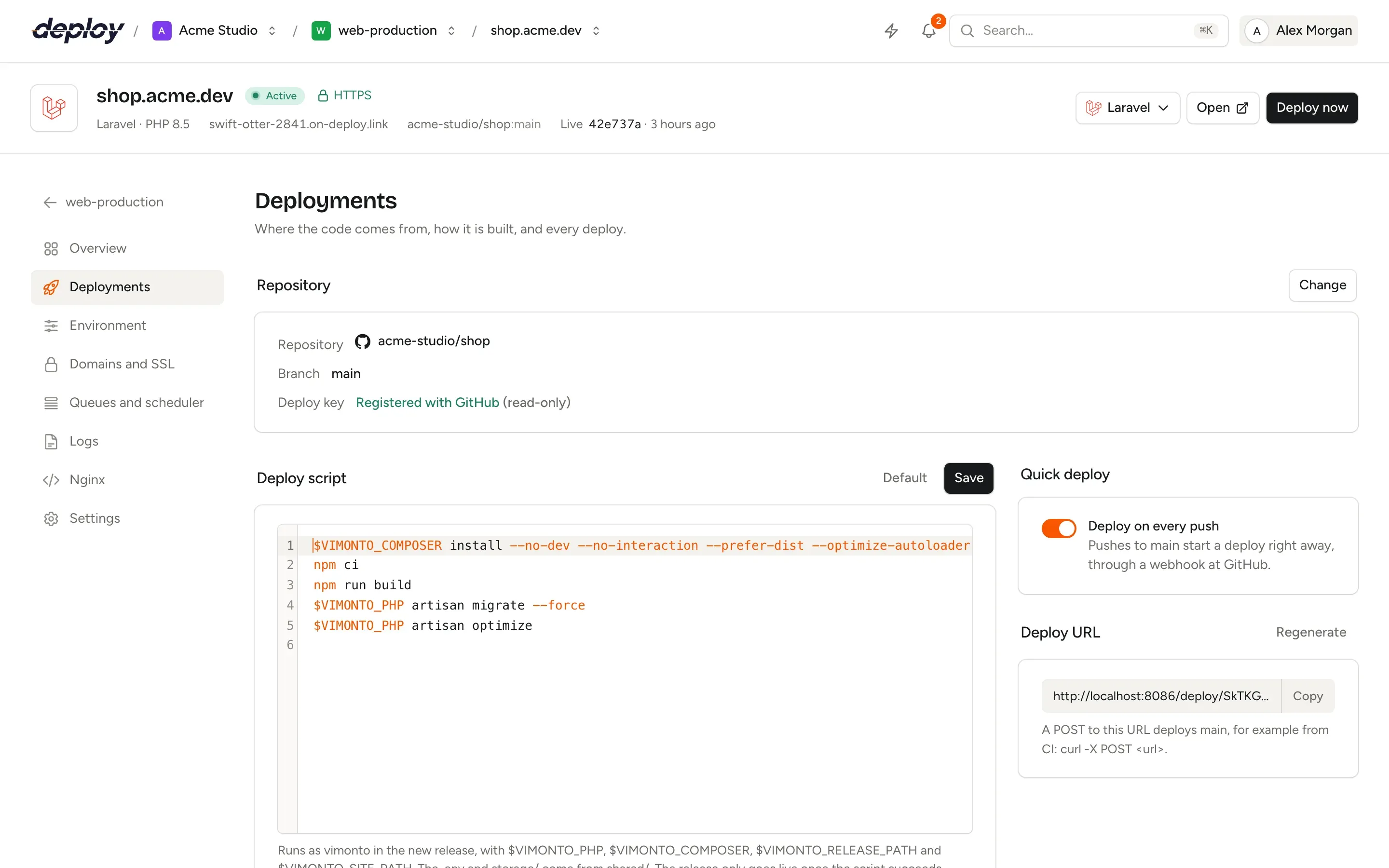
The Deployments page lists every deploy with its commit, who started it and how long it took. Push to deploy, call the deploy URL from CI or click Deploy now.
Nuxt hosting questions
Which port does my Nuxt app listen on?
The site's own port, from 3000 upwards, passed to your app as PORT. Change it under the site's settings as Your app's port; the process moves with it and restarts.
How is the Nuxt server started?
With node .output/server/index.mjs, the Nitro server that nuxt build produces, in the live release. Nginx passes every request to it.
Can I host a statically generated Nuxt site?
Yes. Create the site with the HTML preset, set the build command to npm run generate and point the Web directory at /.output/public. Nginx then serves the files and no Node.js process runs.
Which Node.js version is installed?
App and web servers get Node.js 22 with npm, from NodeSource.
Can I run Nuxt and a PHP backend on the same server?
Yes. A server holds as many sites as it has room for, each with its own domain and Nginx configuration, for example a Nuxt frontend next to a Laravel API.
What does it cost?
The free plan covers 1 server and 3 sites with every feature. Premium is €15 per month per organization, without limits. Your servers are billed by your cloud provider.
Your next deploy could be live before your coffee is.
Create an organization, connect a server and push. That is all.